
Whole-Home Network
Wi-Fi That Works
Everywhere.
Professionally designed networks with hardwired access points, real management tools, and backup internet — built for homes where everything depends on the connection. Start with the WiFi coverage planner to see what your floor plan needs.
The Difference
One Router vs. a Real Network
Most homes run everything through a single box near the TV. It works — until it doesn’t.
The Typical Setup
ISP Modem/Router Combo
- One radio trying to cover the whole house
- Dead zones in bedrooms, basements and the garage
- Mesh extenders that halve your speed each hop
- No visibility — when it’s slow, you just reboot it
- Rented hardware you never stop paying for
- Everything drops when one device misbehaves
What We Install
Gateway + Hardwired Access Points
- A proper gateway routing and protecting the network
- Access points hardwired with Ethernet where coverage is needed
- Full-speed handoff as you walk room to room
- Real management: see every device, speed and outage
- Equipment you own outright — no monthly rental
- Separate networks for guests, cameras and smart home gear
Do the Math
Stop Renting Your Router
Most internet providers charge $10–$30 every month to rent a modem/router combo — hardware that’s often years old, underpowered for a modern home, and locked down so you can’t see or control anything on your own network.
- You never stop paying, and you never own it
- No management tools, no device visibility, no real controls
- Aging hardware that gets replaced only when it fails
- Owned equipment typically pays for itself in a couple of years
We’ll tell you exactly what your provider is charging and what it takes to own your equipment instead.

Where Cable Doesn’t Reach
Remote & Temporary Networks
No service at the property? We build the connection from scratch — usually with Starlink.
- Remote cabins, ranches and mountain properties
- Temporary service on lots under construction
- Job-site connectivity for trailers and field offices
- Starlink professionally mounted, aimed and weather-sealed
- Integrated into a real network — not just the dish’s built-in Wi-Fi
Always Online
Backup Internet & Dual-WAN
When the cameras, alarm, locks and thermostats all live on the network, an internet outage isn’t an inconvenience — it’s a blind spot.

UniFi 5G Backup
A compact 5G antenna that plugs into any UniFi gateway over PoE and takes over automatically the moment your primary connection drops. Carrier-unlocked, with SIM and eSIM support.
- Automatic failover — nothing to switch by hand
- Choose which networks and devices stay online
- Managed in the same dashboard as the rest of the system

Starlink as a Second WAN
Run Starlink alongside cable or fiber and the gateway balances between them — or holds it in reserve purely as failover. Two independent paths to the internet, on completely different infrastructure.
- Survives a cut fiber line or a provider-wide outage
- Ideal for home offices and remote work
- Keeps cameras and alarms reporting during downtime
Systems We Work With
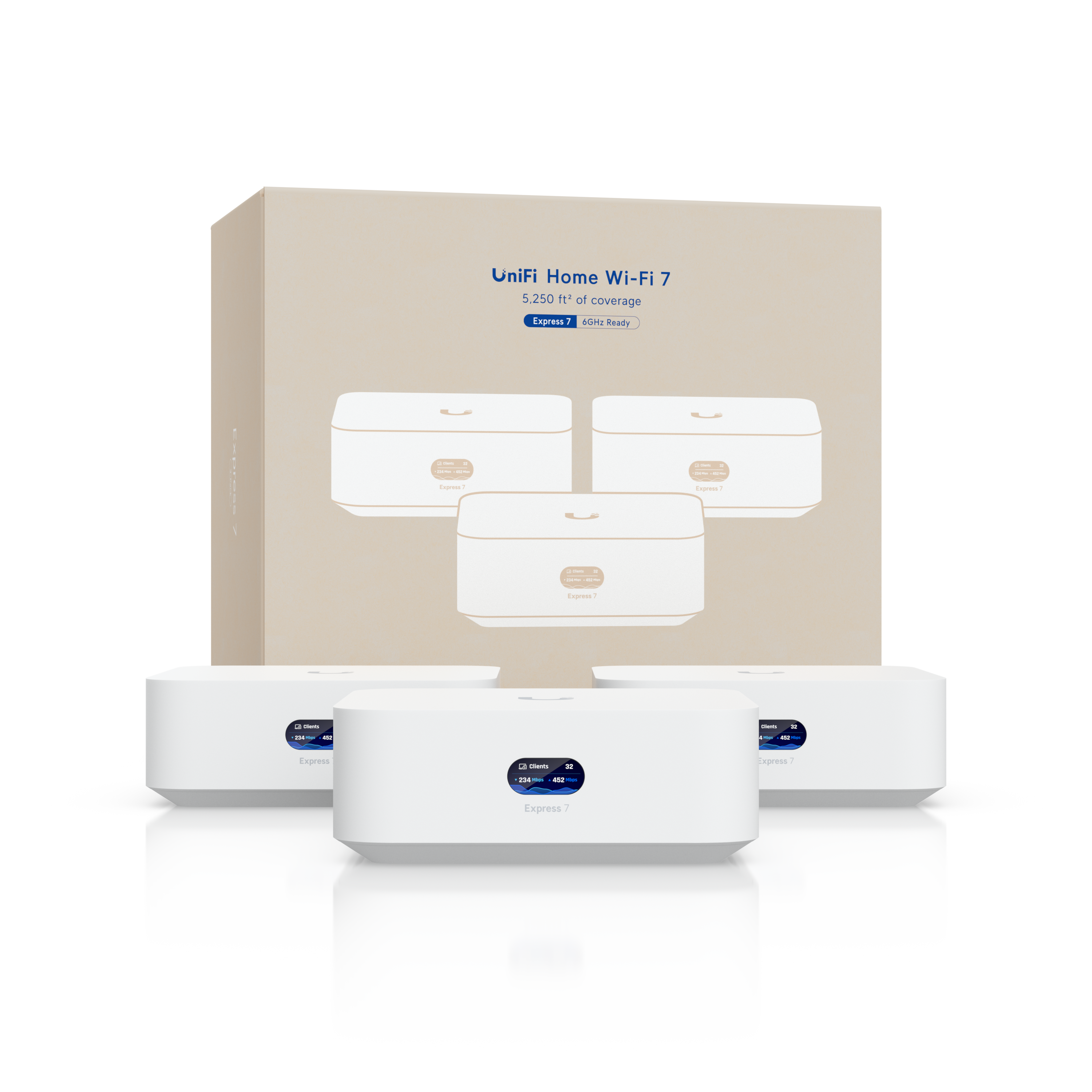
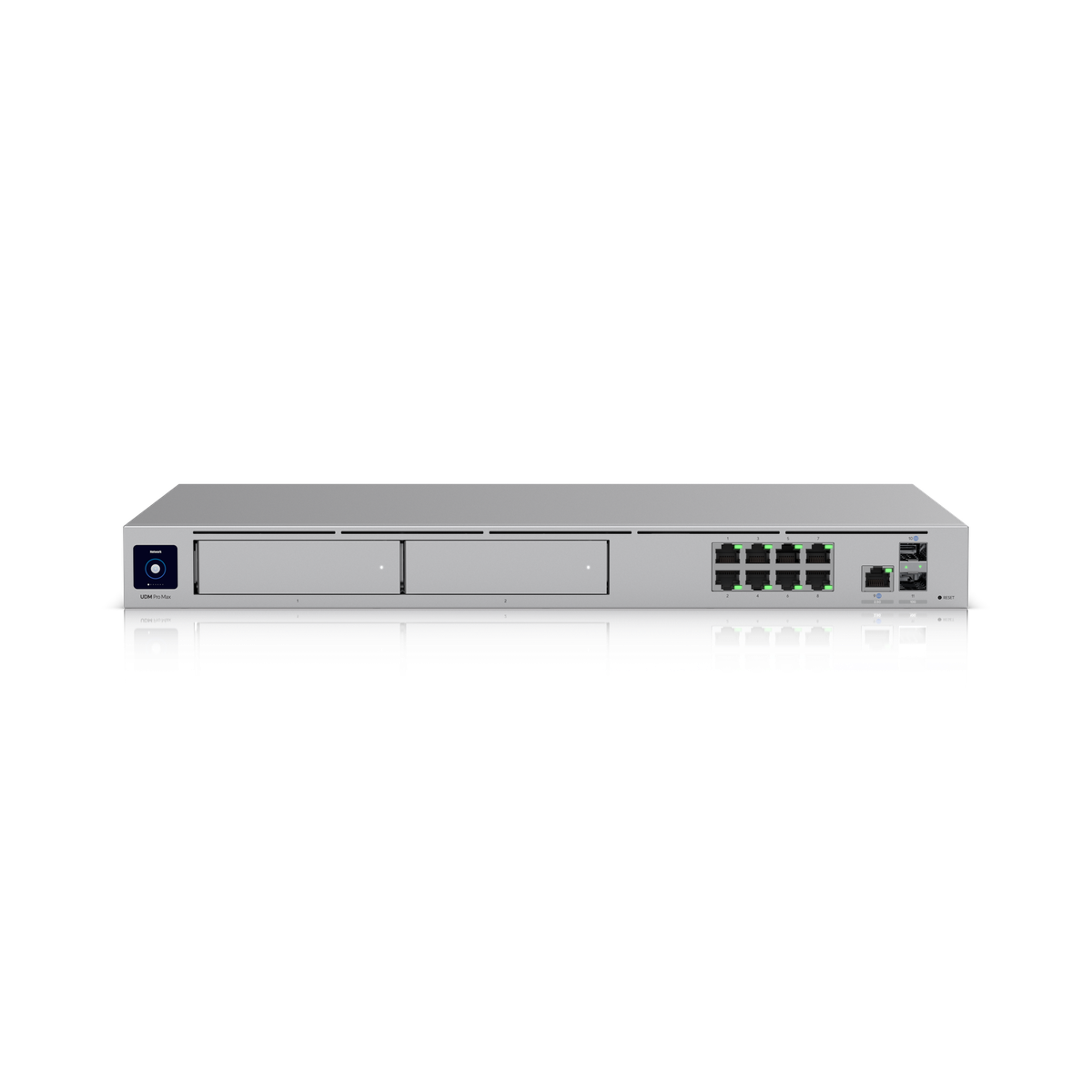
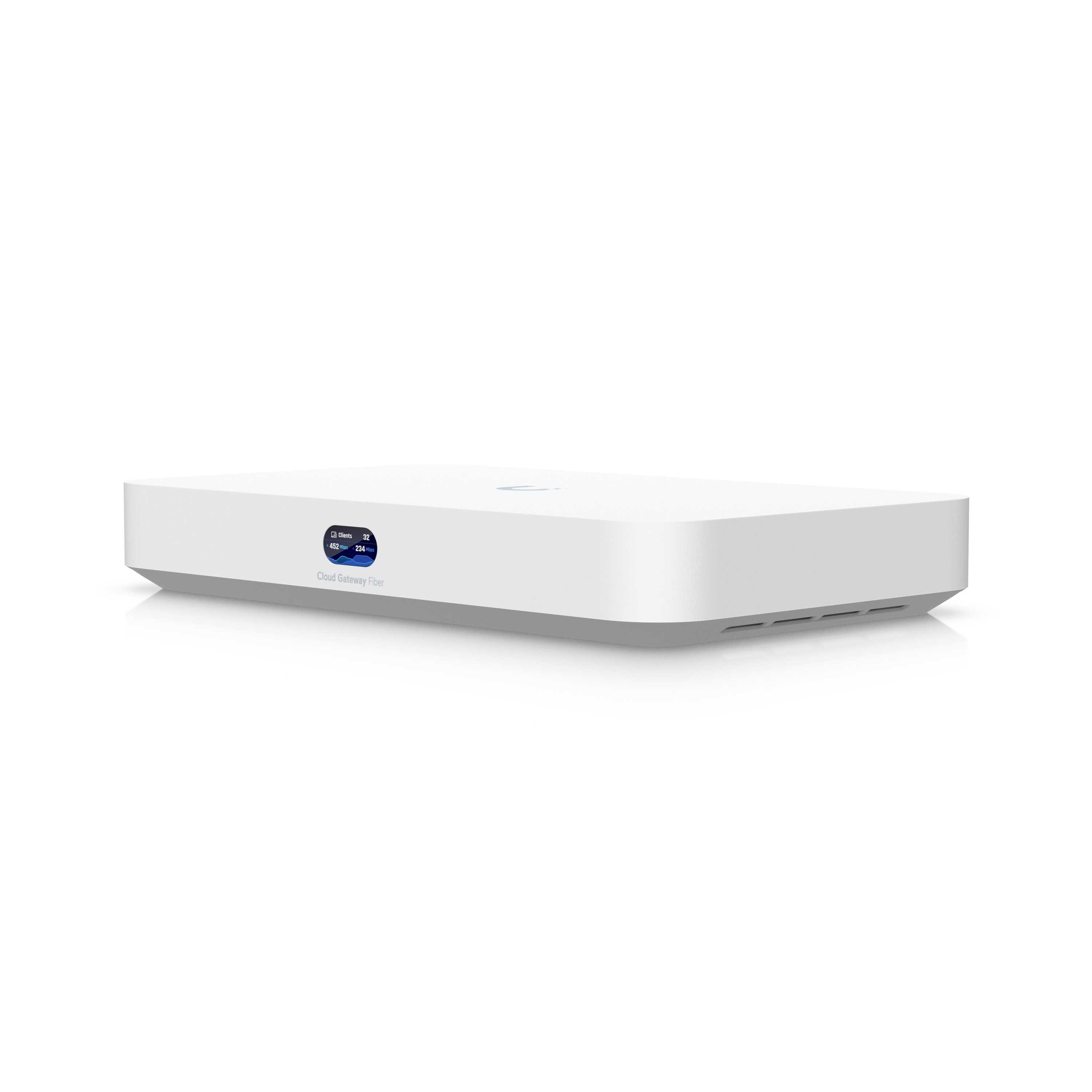
UniFi is what we install most — but we service and support the platforms you may already have.





Network guides
 UniFi vs Mesh WiFi for a Big Utah House: When eero Stops Being EnoughRead the guide →
 UniFi Whole-Home WiFi Is Here. Does Your House Still Need the Pro Install?Read the guide →
 UniFi's New Design Center Plans Your Network for Free. Here's When to Trust It.Read the guide →
 UniFi Protect 7.3: Longer Recording History on the Same Drives, and Cabin Cameras With No Second ConsoleRead the guide →
Let’s Fix
Your Wi-Fi.
We’ll walk the property, find the dead zones, and design a network that covers all of it.